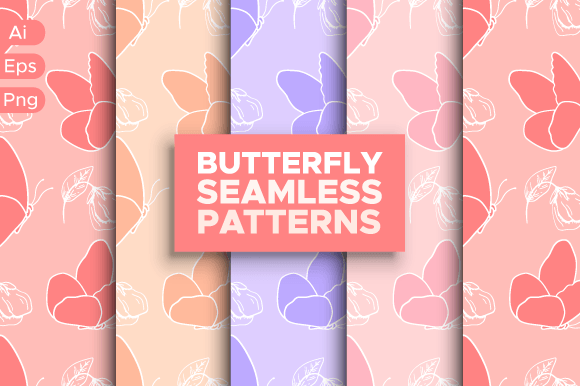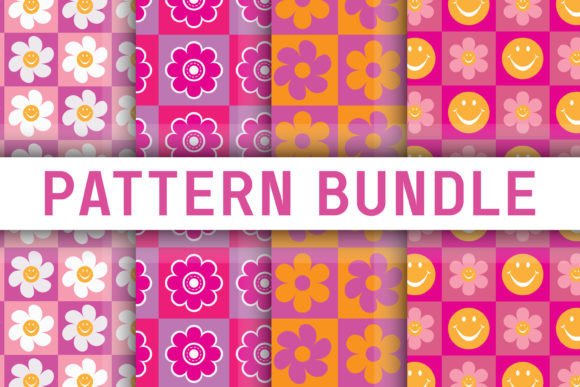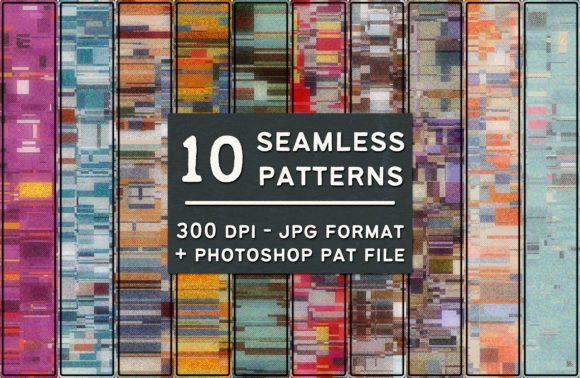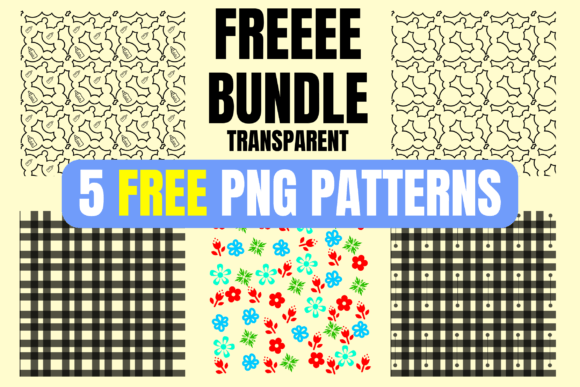
Wild Cat Seamless Patterns Bundle Free
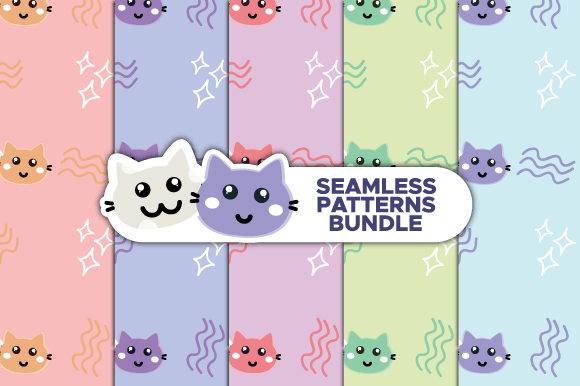
If you're designing greeting cards, packaging, fabric mockups, social media templates, or even printable planners, the right pattern can elevate your work instantly. The Wild Cat Seamless Patterns Bundle Free gives you five bold, stylish, and versatile digital papers — all built around wild feline motifs like leopards, jaguars, ocelots, and abstract big-cat silhouettes. Unlike pixelated JPEGs or rigid clipart, these are true vector-based seamless patterns: infinitely resizable, fully editable, and ready for professional output.
Why Designers Reach for Wild Cat Seamless Patterns
These aren’t just “cute cat prints.” They’re purpose-built for real-world use — whether you're a small-batch stationery seller updating your Etsy shop, a freelance designer prepping a client’s brand refresh, or a teacher creating themed classroom posters. Because they’re seamless, they tile perfectly without visible edges — no awkward gaps or misaligned repeats. Because they’re vectors (AI and EPS), you can scale them from a business card to a 48" wall mural without blurring or distortion. And because they come in high-res PNGs too (3000×3000 px at 300 ppi), you can drop them straight into Canva, Photoshop, or Procreate without conversion headaches.
A Common Mistake: Assuming “Free” Means “Ready to Use as-Is”
Many users download the Wild Cat Seamless Patterns Bundle Free and immediately paste a pattern into a t-shirt mockup — only to find it looks stretched, off-center, or oddly cropped. Why? Because “seamless” doesn’t mean “automatically fitted.” Vector patterns still need correct placement and scaling logic in your design software. For example, applying a 5000×3000 px pattern to a square product template without adjusting the repeat unit or bounding box can cause visual imbalance — especially with directional motifs like paw prints or diagonal rosettes.
Better approach: Open the AI file in Adobe Illustrator, select the pattern swatch, and double-click to edit its tile size or rotation. Adjust the artboard to match your final output dimensions *before* applying the pattern to a shape. That way, you control how often it repeats — and avoid unintentional cropping or scale distortion.
Another Overlooked Detail: File Format Confusion
The bundle includes AI, EPS, and PNG — but not all formats serve the same purpose. Beginners sometimes use the PNG files thinking they’ll get editable vectors (they won’t). PNGs are raster-only: great for quick uploads or non-vector workflows, but you can’t recolor individual elements or tweak line weight inside them. Meanwhile, some designers open the EPS in older versions of CorelDRAW or Affinity Designer and assume full editability — only to discover that complex gradient meshes or transparency layers don’t translate cleanly.
What to check before using: Confirm your software supports AI/EPS editing *with pattern swatches*. If you’re on Canva or Google Slides, stick with the PNGs — and resize them *before* uploading (not after) to preserve sharpness. If you’re in Illustrator or InDesign, always use the AI version for maximum flexibility — especially if you plan to change colors, adjust spacing, or combine patterns.
Misjudging Scale and Context
Wild cat patterns vary widely in motif density. One might feature large, dramatic rosettes spaced far apart; another could be a tight, all-over micro-spot. Using the former on a slim phone case may result in only one or two visible shapes — making the design feel sparse. Using the latter on a large tote bag might create visual noise instead of elegance.
This isn’t a flaw in the Wild Cat Seamless Patterns Bundle Free — it’s about intentionality. Ask yourself: What’s the dominant viewing distance? Is this for embroidery (where fine detail gets lost), web banners (where fast loading matters), or luxury packaging (where texture and rhythm matter most)?
Practical tip: Test each pattern at three sizes: thumbnail (for online previews), life-size (on screen or printed at 1:1), and enlarged (200% zoom). Does the rhythm hold up? Does contrast remain legible? If a pattern feels “busy” when zoomed out, try lowering opacity or pairing it with generous negative space — not swapping it for something “simpler.”
Assuming All “Seamless” Patterns Tile the Same Way
Not all seamless patterns behave identically. Some repeat on a strict grid; others use brick or diagonal offsets. The Wild Cat Seamless Patterns Bundle Free includes both — and mixing them without understanding their tiling logic can break consistency across a product line. Imagine using a horizontally offset leopard print on your notebook cover and a straight-grid cheetah spot on your stickers: visually, they won’t feel like part of the same collection.
Better choice: Pick one tiling method per project unless contrast is intentional. In Illustrator, go to Object > Pattern > Make, then check the “Tile Type” menu. Note whether yours is “Grid,” “Brick by Row,” or “Hex by Column.” Save that setting as a reference — and apply it consistently across related assets.
Forgetting to Verify Color Mode and Output Intent
These patterns ship in RGB — ideal for screens and digital use. But if you’re printing on physical goods (fabric, stationery, mugs), CMYK or Pantone matching may be needed. While you *can* convert RGB to CMYK later, subtle shifts in warm tones — like amber fur highlights or deep charcoal rosettes — may shift unexpectedly.
Pro advice: If print is your end goal, open the AI file, go to File > Document Color Mode > CMYK Color, then reassign colors using the Swatches panel. Don’t rely on automatic conversion — manually adjust key hues to match your brand palette or fabric swatch samples.
Final Thought: It’s Not Just About the Pattern — It’s About Your Workflow
The Wild Cat Seamless Patterns Bundle Free shines brightest when treated as a flexible tool — not a shortcut. Take five minutes to rename layers, group related swatches, or save custom color variants. Bookmark the folder where you store your edited versions. And yes — follow the creator’s store. Not just for future designs (though those are worth it), but because consistent sourcing builds reliable asset libraries over time — saving hours in revision, licensing checks, and format troubleshooting down the road.
You don’t need more patterns. You need the right ones — used thoughtfully. With this bundle, you already have the foundation. Now it’s about building with clarity, not just speed.